
Searching Cases by Name
Start with the venue, not the name. Felony, family, juvenile, and major civil cases live with the Newton District Clerk, while County Court criminal, civil, probate, and mental-health matters sit with the County Clerk. A Class C case, a small claim, or an eviction-type filing may belong to any of four JP precincts. City citations go to Newton Municipal Court.
- Identify the court from a notice, citation, filing, or case type.
- Open the correct county portal or re:SearchTX.
- Enter the party name, then narrow by Newton location, category, type, attorney, or date.
- Open a likely match and compare court, caption, filing date, and case details.
- Confirm the result with the responsible clerk when accuracy or a current setting matters.
| Field Label | Type | Required | Notes |
|---|---|---|---|
| Top search bar | Text | Unspecified | Party, attorney, or known identifier |
| Location | Filter | No | Choose Newton when offered |
| Case Category | Filter | No | Narrows broad results |
| Case Type | Filter | No | Use Next 10 for more choices |
Route Newton Cases Before Searching
The biggest search mistake is asking the wrong office for the file. The District Clerk keeps the district matters. The County Clerk keeps the County Court matters. The Justice Court directory lists four separate precinct offices, and Newton Municipal Court handles city ordinance and fine-only city cases.
Search the venue first. “Newton County” is a geographic label, not proof that every local case appears in one clerk’s portal.
Not sure which court issued the paperwork? The answer is usually printed at the top of the citation or notice. A quick call to any clerk helps. The staff can point you toward the right office. Just remember that one clerk's counter cannot pull another court's file.
Searching by Case Number
Nothing searches better than a case number. Type it exactly as printed. Include the punctuation and leading zeros. Newton publishes no verified public format for its local case numbers. Do not guess a year prefix, a court code, or a case-type suffix. Treat EXACTLY-AS-SHOWN as the rule rather than any made-up numeric pattern.
Take the number to the responsible local channel first, then to re:SearchTX. A municipal ticket number and a district cause number are not interchangeable keys. If the portal rejects it, confirm you have the right court. Compare the characters one by one. Ask the clerk whether older records sit in a different index.
Newton County Clerk Login
The Newton County Clerk portal sits behind an account gate. Before login, the public screen shows only Email, Password, Login, Forgot Password?, and Register. The case-search fields stay hidden until after sign-in. So do the free-result depth, the case-number pattern, and the calendar controls.
The office-specific gate is what a visitor encounters first.
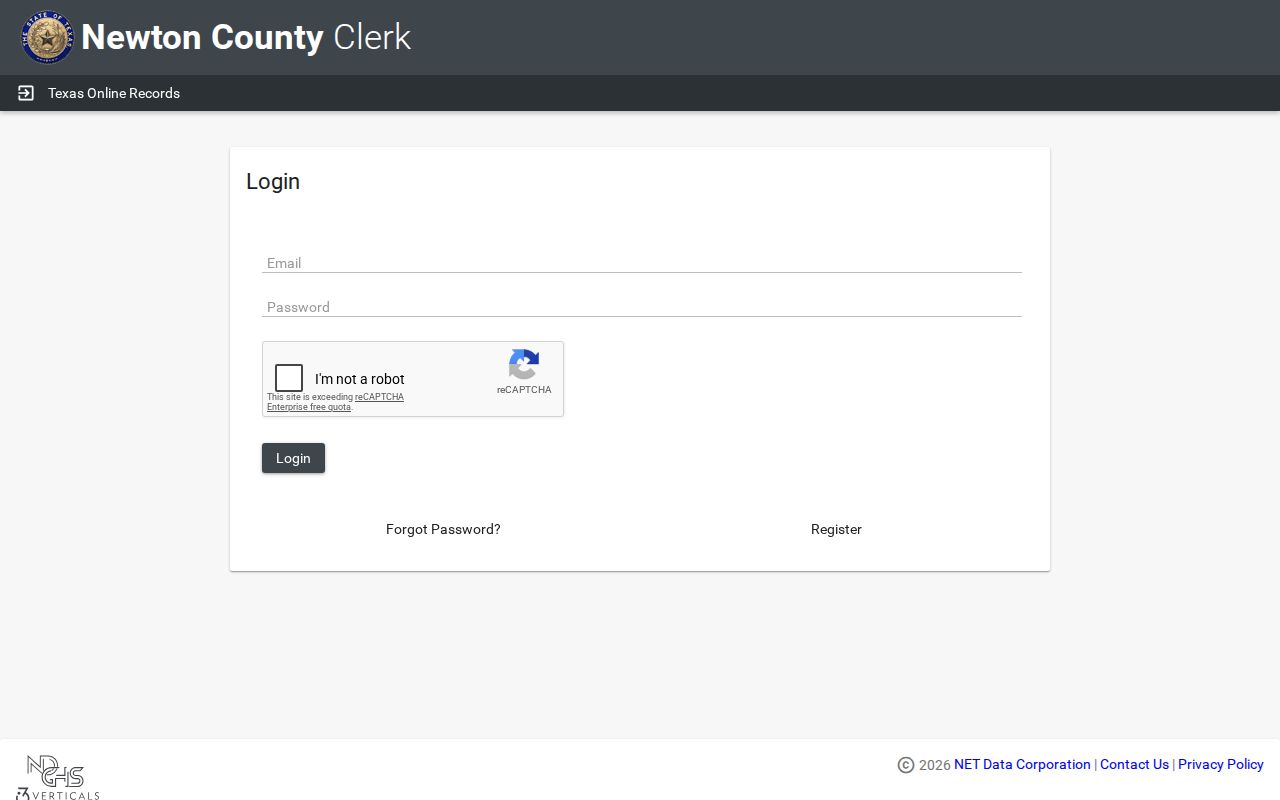
Once you are signed in, the vendor's instructions walk you through locating a case, opening the result, choosing Transactions, adding a document to the cart, and retrieving purchases through My Documents. Newton's page says fees were reinstated. It names no current amount, so confirm the cost before you order anything.
What a Case Search Returns
A result may give you a case header plus entries in chronological order. What you get varies by court and portal. The statewide guide supports Case Details, filings, filing details, and hearings, but Newton does not publish a confirmed field list or a local code list.
| Case Number | The court’s identifier; Newton format is not publicly verified. |
|---|---|
| Style / Parties | The case caption and party roles where public. |
| Court / Judge | The assigned court and judicial officer where displayed. |
| Filed Date | The date the matter entered that court. |
| Status | An open, active, closed, disposed, or other system label that needs context. |
| Chronology | Filings, notices, settings, orders, judgments, and later events. |
| Documents | Images may require an account, cart, fee, or clerk request. |
A docket line is not the signed document itself. A word like "Disposed" tells you nothing about the outcome on its own. Read the judgment or order, and ask the clerk for a certified copy when you need official proof.
Newton Cases in re:SearchTX
The statewide search entry handles cases, filings, hearings, and other account-dependent functions. Set Newton as the location when that option appears. For common names, lean on the category and case-type filters. Use the sort controls too. Sort by newest filed date, oldest filed date, or case number. Reset clears your filters. Export and Save Search may require sign-in.
That official statewide entry is the page a Newton docket search should open with.
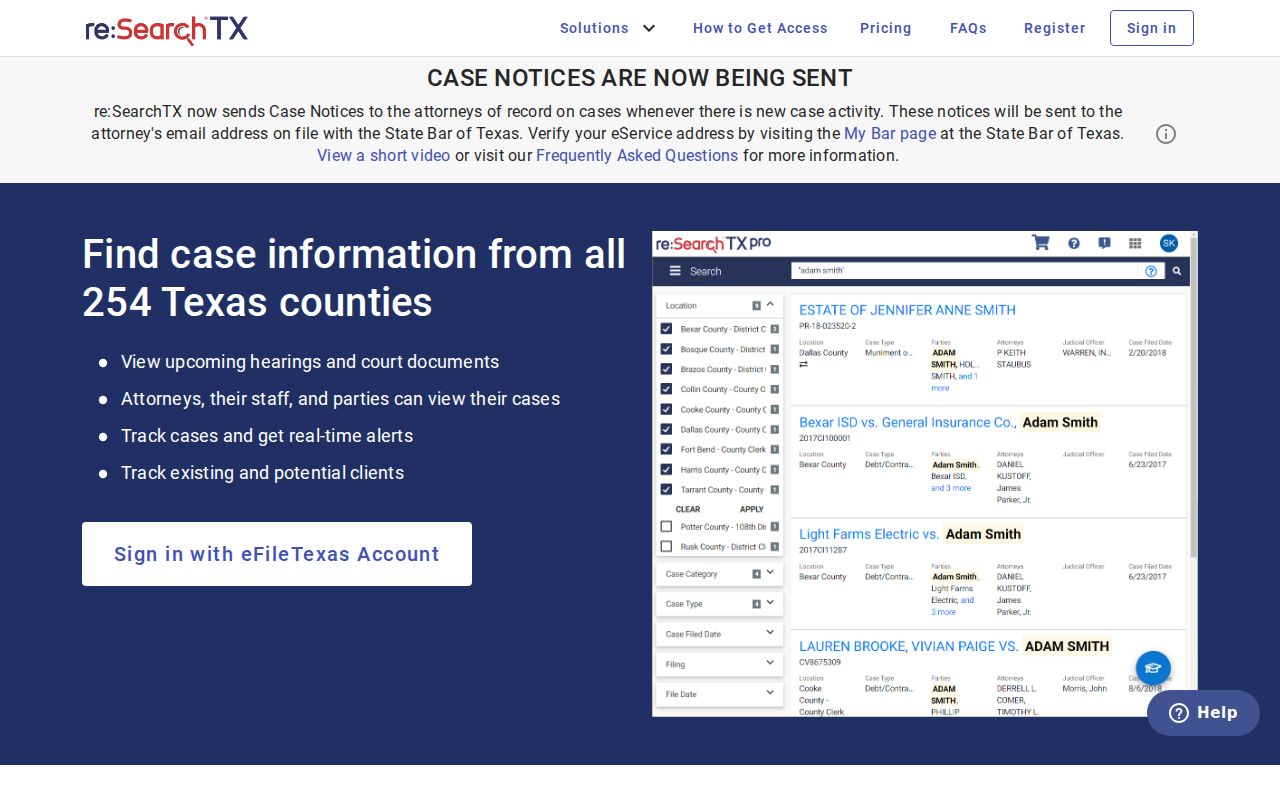
The same credentials may also work with eFileTexas, but filing access is not the same as public record access. State reporting says the electronic document corpus excludes criminal records, and no one has confirmed Newton's integration. For certainty on a criminal docket, go straight to the District Clerk or County Clerk.
Statewide vs County Case Search
Each portal answers a different question. The county route runs through Newton's own clerk and may include a local transaction workflow. The statewide route earns its keep on broader searches and filter combinations. Neither one replaces calling the clerk directly.
| Statewide Portal | Newton County Portal |
|---|---|
| Searches participating court data | Targets County Clerk records |
| Cases, Filings, Hearings tabs | Public view begins at login gate |
| Newton coverage not confirmed | Does not cover every Newton court |
| Documents may require purchase | Transactions/cart workflow may apply |
| Best as cross-county second check | Best for a known County Court matter |
The statewide TexasOnlineRecords landing page bundles records and payments together, but it is a hub rather than a starting point. For Newton County Clerk research, the county-specific URL is where a docket search should begin. The county-linked landing screen follows this paragraph.
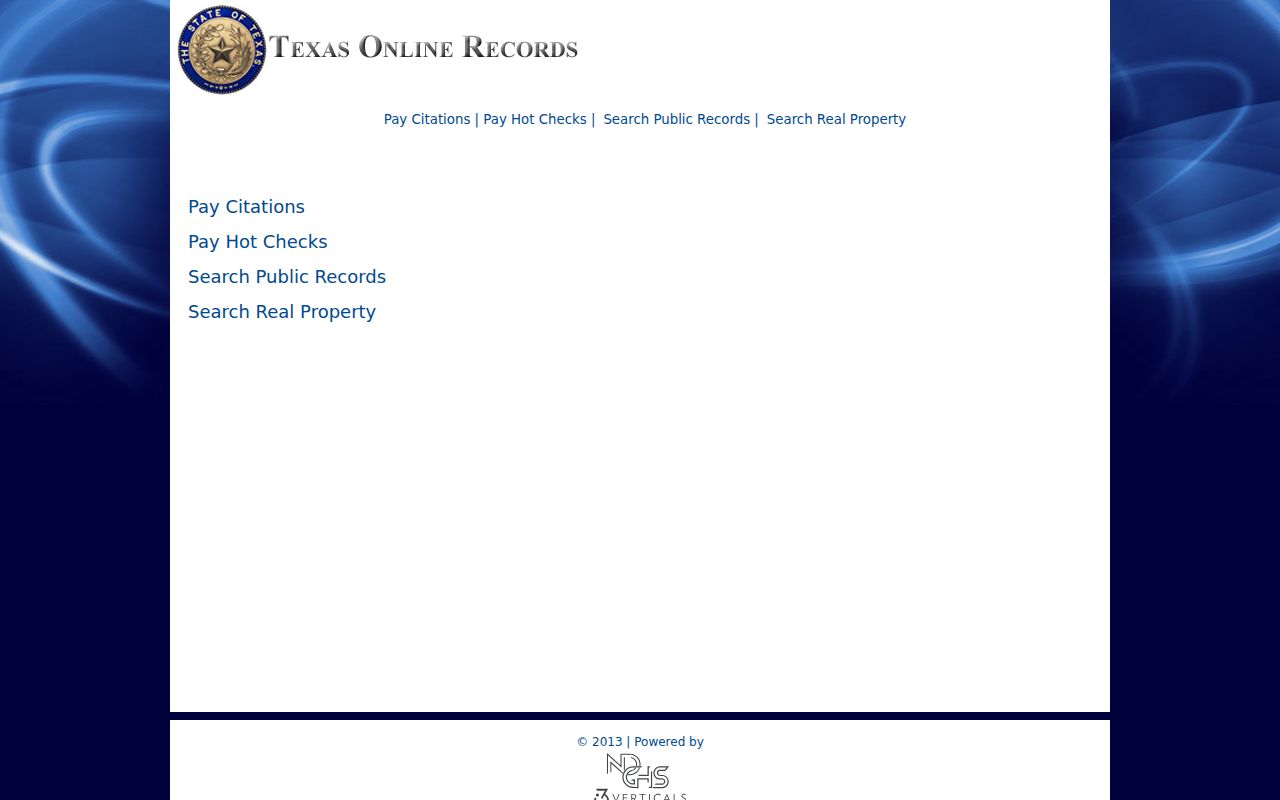
The landing page is just navigation, not proof that one search covers district, county, JP, and municipal files.
Newton Details Versus Documents
Case Details can summarize the parties, the status, the filings, and the hearings. The document image is something else entirely: the actual petition, motion, notice, order, or judgment, when available. Do not treat the two as equals. A summary can leave out text that the filed document contains. An image may be restricted, redacted, or sold through a cart.
Want a plain or certified copy? Contact the office that holds the record. County Clerk research happens by appointment because space is limited. District Clerk requests go through published phone, email, fax, mail, or counter contacts. The office confirms the method. Ask for the specific docket sheet or document. Include the date, the case, the format, the cost, and the turnaround.
Newton Case Search Fallback Chain
A blank result does not mean no case exists. It can mean the wrong clerk, the wrong court, a spelling variation, a restricted record, an older index, missing statewide integration, or incomplete criminal coverage.
- Check District Clerk versus County Clerk responsibility.
- Check the correct JP precinct or Municipal Court for lower-level matters.
- Retry re:SearchTX with number, name, attorney, Newton location, category, and type.
- Call the clerk with the court, approximate year, party role, and case type.
- Schedule an in-person search or mail a clear written request.
- For older dockets, ask about archive books and index holdings.
Mail for the County Clerk goes to PO Box 484, Newton, TX 75966. The District Clerk takes mail at PO Box 535, Newton, TX 75966. Its published email is nwindham@co.newton.tx.us. Let the office confirm it accepts fax or email before you send a copy request that way. Ask the staff about public terminals too, since Newton County posts no stated terminal policy.
Access and Restricted Cases
Public access does not put every field or image on the screen. Sealed records, juvenile matters, protected family details, and sensitive identifiers can be withheld or redacted. Texas Family Code Chapter 58 restricts juvenile access. Texas Rule of Civil Procedure 21c also limits what sensitive data may be posted online at all.
One caution on docket searches. District Clerk records mark juvenile district cases as that office's responsibility. County Clerk records do not flag juvenile County Court matters, so a blank result does not mean no proceeding exists. Request the public or redacted portion. Bring lawful authority if you need restricted access.
For judicial administrative records, the Texas Judicial Branch policy lays out the Rule 12 route. Adjudicative case records do not fall under the Texas Public Information Act by default. Name the actual custodian and the existing record. Do not ask an office to build a report.